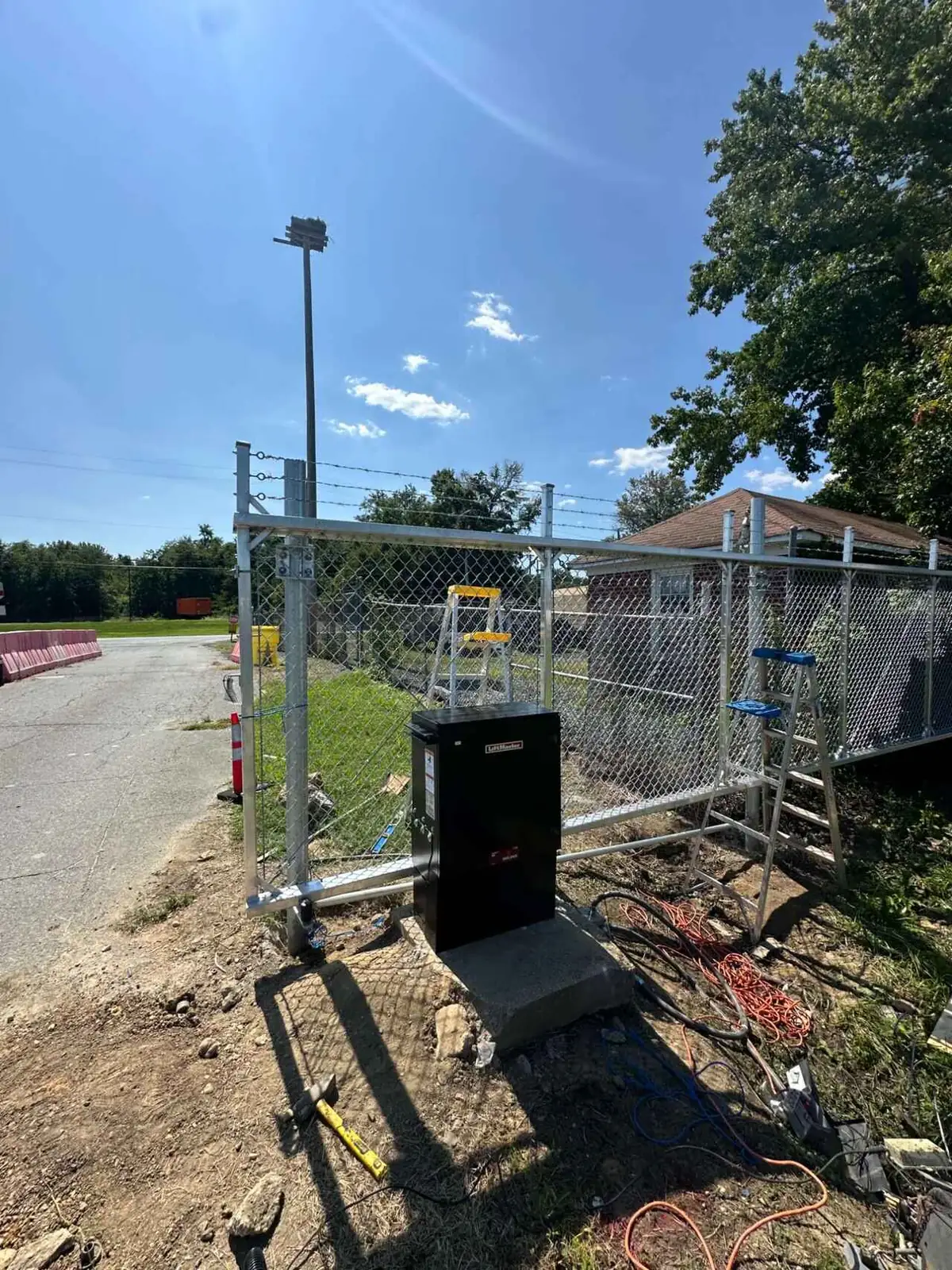
When a gate opener stops responding to the remote, the cause is usually one of four things: a dead or weak remote battery, a lost programming pairing between the remote and receiver, a power or circuit fault at the operator, or a failed radio receiver. Testing in that order isolates the problem quickly, because each step rules out the one before it.
We run this exact sequence on service calls across Houston, The Woodlands, Conroe, and Spring. The operator brands change — LiftMaster, Viking, Apollo, DoorKing, Elite — but the diagnostic path does not.
1. Start With the Remote Itself
The remote is the cheapest and most common failure point, so eliminate it first.
Check the LED. Nearly every gate remote has an indicator light that flashes when you press a button. If it is dim, flickering, or dead, the battery is your suspect. Remote batteries in this climate fade faster than the manufacturer estimate — heat inside a parked vehicle is hard on coin cells and small alkalines alike, and a remote clipped to a visor in a Houston summer sees temperatures well above what the cell was rated for.
Test a second remote. If you have another remote paired to the same gate and it works fine, the problem is the first remote. If neither works, the fault is downstream at the operator and you can stop testing remotes entirely.
Watch for partial function. A remote that works from ten feet away but not from the end of the driveway is usually a weak battery or an antenna problem, not a total failure. That is a different diagnostic path with a different fix.
2. Confirm the Gate Has Power
If the remote checks out, move to the operator itself. Try the keypad, the intercom, or the manual open button. If none of them do anything either, the gate is not receiving power and the remote was never the issue.
Tripped breaker or GFCI outlet. Gate operators are frequently on a dedicated circuit, and a nearby GFCI can trip after storms or heavy rain. This is the single most common cause of a gate that went dead overnight with no warning.
Blown fuse on the control board. Most operators have an inline fuse protecting the board from surges. Lightning anywhere near the property can take these out, and Gulf Coast storm season produces a reliable wave of these calls every year.
Dead battery backup with utility power already out. Some operators run entirely off a battery that the transformer keeps topped up. If the transformer failed weeks ago, the battery may have quietly drained since, and the gate will appear to fail suddenly when it has actually been dying for a month.
Solar array problems. On solar-powered gates, a shaded or dirty panel, a failed charge controller, or a battery past its service life will all present as a gate that simply does not respond.
3. Look for Lost Programming
If the gate has power but only the remote fails, the pairing between remote and receiver may have been erased.
This happens more often than people expect. A power surge can wipe a receiver memory. So can a well-meaning attempt to add a new remote that accidentally triggered a full erase — most receivers have a clear-all function that lives one long button-press away from the add-remote function.
The tell: the keypad and intercom still work, but no remote does, including ones that worked last week.
Reprogramming is straightforward on most units, but the procedure differs by manufacturer, and getting it wrong can erase remotes that are currently working. If you are not certain which operator you have, it is worth having someone identify it before pressing buttons on the control board.
4. Rule Out Radio Interference
Interference is under-diagnosed and genuinely common. Gate remotes typically operate on 300 to 400 MHz frequencies, and they share that spectrum with a surprising amount of equipment: LED light fixtures with cheap drivers, wireless security systems, some cellular boosters, and nearby commercial radio equipment.
Signs you are dealing with interference rather than a hardware fault:
- The gate works at some times of day but not others
- Range dropped suddenly with no other changes to the system
- The problem started after new lighting, a new security system, or new construction nearby
- Multiple remotes all lost range at the same time
Interference is usually resolved by relocating or extending the receiver antenna, or by identifying and replacing the offending device.
5. Inspect the Receiver and Antenna
The receiver is the component that hears the remote, and its antenna is often a thin wire running out of the operator housing. It is exposed, and it takes abuse.
- Antenna wire coiled up inside the metal housing instead of hanging free — metal blocks the signal completely
- Corroded, frayed, or chewed antenna wire; rodents nest in gate operator enclosures more than most owners realize
- Water intrusion in the housing, visible as rust streaks, mineral deposits, or condensation on the board
- Insect nests, particularly fire ants, which are drawn to the electrical field and can bridge contacts
A receiver that has taken water damage will often work intermittently before failing completely. If your remote range has been degrading over weeks rather than dying suddenly, this is a likely cause.
What Is Safe to Handle Yourself
Reasonable to do on your own: replacing remote batteries, resetting a tripped breaker, clearing debris from around the operator, and checking whether the antenna wire is pinched or coiled inside the housing.
Worth handing off: anything involving opening the control board, reprogramming a receiver you cannot positively identify, diagnosing power supply faults, or any work near the operator capacitor. Gate operators store enough electrical charge to injure you after the power has been disconnected.
If the gate is stuck in a position that leaves your property unsecured, that moves it into urgent territory regardless of the underlying cause.
Related Failures Worth Knowing
A dead remote is often the first visible symptom of a broader problem. If your operator has also been slow to respond, making unusual noises, or reversing unexpectedly, those are connected signals rather than separate coincidences. Our guide to the warning signs of a failing gate opener covers the pattern in more detail, and a motor that hums without moving is a closely related electrical fault.
For homeowners in the north corridor, we handle this work regularly — see our Conroe gate repair, Montgomery gate service, and The Woodlands gate repair pages for coverage details.
Get a technician out to diagnose it properly
We call back within 30 minutes. Same-day service available across Houston, The Woodlands, Conroe, Spring, and surrounding areas.